PARTNER CHURCHES · SEEK&FIND
Seek&Find: an app that helps your church understand the Bible
The Bible and study tools are free, always. No ads, no tracking.
Why Seek&Find
- The whole church, reading togetherStart a group reading plan, choose a plan and a start date, and put its code or QR code on your slides and in the bulletin. Members scan it to join. Leaders see how many finished each day; members see the whole church’s progress. Members without an iPhone can join the same plan on the web.
- Understand as you readEvery book has a guide, from “the book in a minute” to a walk through each chapter, with “In plain words” notes throughout. Whoever leads a Bible study or teaches Sunday school can prepare straight from it.
- Hard questions, every tradition side by sideWhen someone asks about predestination or the gifts of the Spirit, they can see how 14 traditions — Reformed, Baptist, Pentecostal, Catholic and more — read it, every passage with its source. None is chosen by default, so the app does not take sides for your church.
- Walk into the world of the Bible17 scenes in 3D (the Tabernacle, the Temple, the New Jerusalem…), an atlas, a timeline and 3,003 people of the Bible.
- Greek and Hebrew from the alphabetFor staff and students who want to read the original languages.
What a partner church receives
- A promo code of your church’s own: members who redeem it get Seek&Find Pro free for three months (every course, guide, original-language lesson and 3D scene). Unless cancelled, it then renews as the monthly plan; the app reminds them before it ends.
- Staff and full-time ministers: Pro free with a code.
- This kit: a script for the Sunday announcement, slides, a QR poster, LINE message templates and a printable reading passport.
How to start
Once Seek&Find is in the App Store, a leader starts like this:
- Download Seek&Find on an iPhone and sign in (Apple, Google, LINE or email).
- Together ▸ Create a group reading plan ▸ choose a plan (for example, the Bible in a year), set the start to 1 January, and name it after the church — “Grace Church 2027”.
- Share ▸ save the QR code image for the Sunday slides and the bulletin, and post the link in the church’s LINE group.
- Announce it on Sunday (a 30-second script is below).
- Once a week, open the leader’s page: how many joined, how many finished each day. On Sunday you can say “last week 312 of us read every day”.
- To lead it with others, make them leaders from the member list (up to 5).
What members see
Their own progress, the whole group’s (“Day 12: 312 of 480 finished”), and which of their friends are in the plan. Not strangers’ names. Leaders see every member’s name and progress, and the app says so before anyone joins.
The Sunday announcement (30 seconds)
This year we are reading the Bible together as a church. We’re using an app called Seek&Find. We start on 1 January and read a passage a day, and we can all see how far we’ve come together. Scan the QR code on the slide to join; if you don’t have an iPhone, you can join on the web. The Bible and the study tools are free, with no ads. The QR code is in the bulletin too.
The printable kit
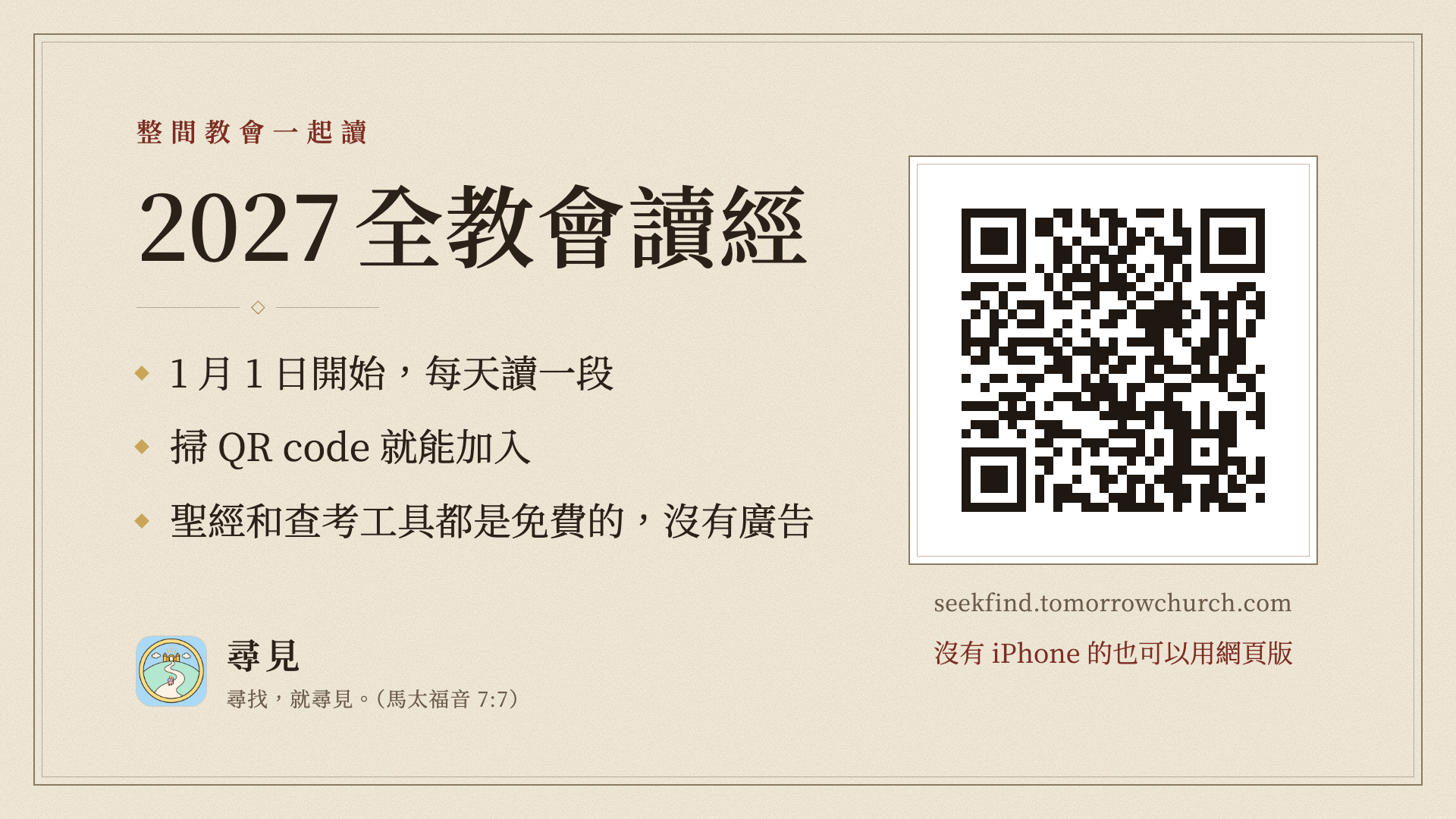
The general version’s QR code goes to seekfind.tomorrowchurch.com. Once you sign up, we can make one with your church’s name and its own QR code. In Traditional Chinese.
- A one-page introduction for pastorsA4 portrait, one side · PDFDownload
- Sunday announcement slide1920×1080, for the church’s slides · PNGDownload
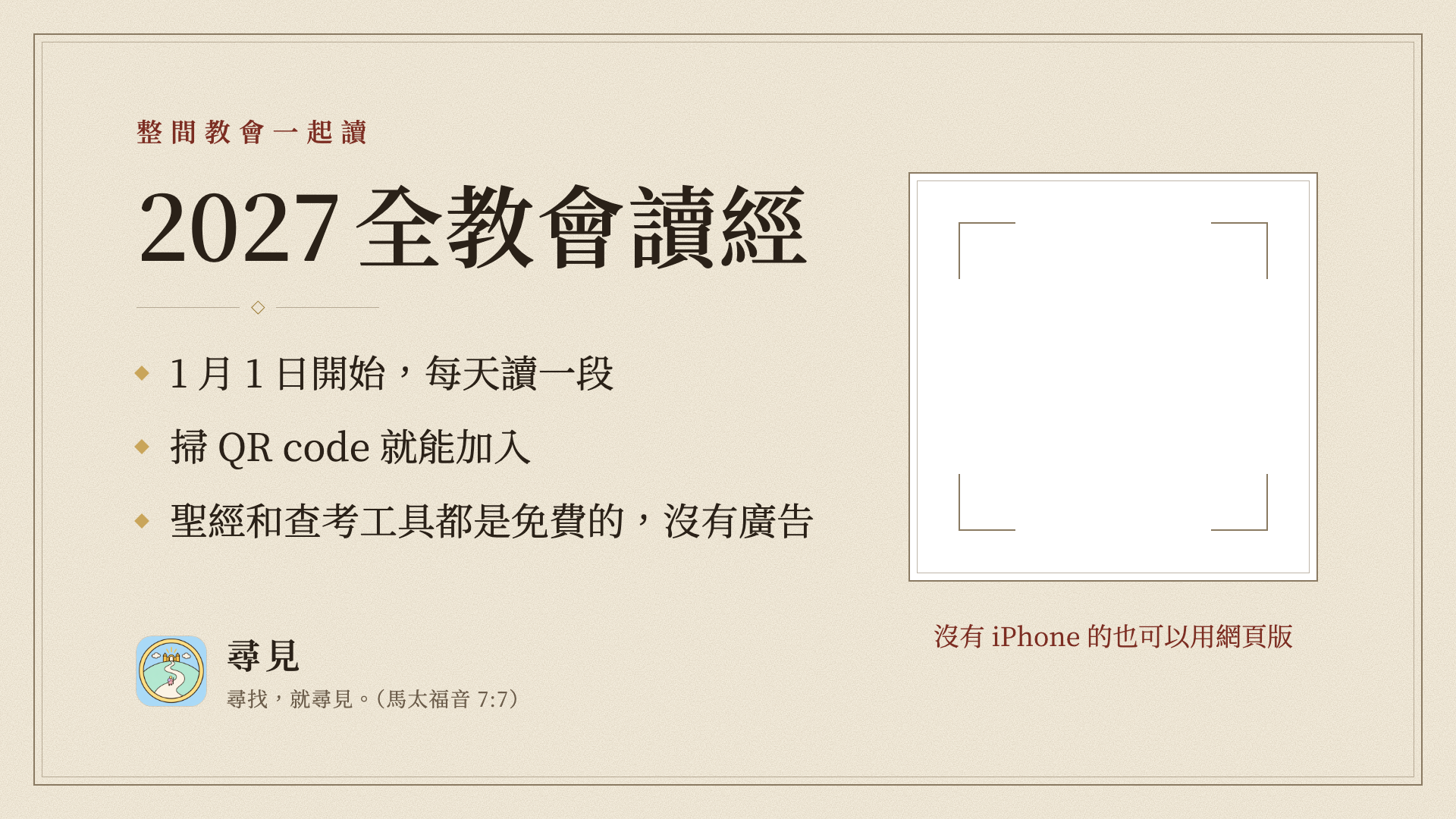
- Sunday slide with a blank QR spacePaste your church’s own QR code into the frame · PNGDownload
- Lobby QR posterA4 portrait; vector, so it prints at A3 too · PDFDownload
- 2027 reading passportTwo A4 landscape pages: print double-sided, short-edge flip, fold to an A5 booklet · PDFDownload
Sign up as a partner church
Leave your details and we’ll be in touch with your church’s own code and kit.